When WooCommerce first launched as a simple WordPress extension, few could have predicted it would have such a significant impact on the world of online shopping. Today, it is officially the most popular self-hosted ecommerce platform on the planet, with recent data showing it powers over 30% of all online stores worldwide.
One thing makes this achievement particularly impressive. Unlike proprietary giants like Shopify, which can cost businesses hundreds – or even thousands – of dollars in monthly subscription fees and transaction taxes, WooCommerce is an open-source WordPress plugin.
However, WooCommerce’s true strength lies in its modularity rather than its core code. Because it sits on top of WordPress, you have access to a massive ecosystem of tools designed to optimize every inch of the customer journey. Whether you are looking to reduce cart abandonment rates, automate your marketing, or globalize your brand, the right extensions are key to scaling.
Today, we’ll look at the essential WooCommerce plugins for 2026 that will help you transform a standard storefront into a high-converting, automated retail machine.
Why Plugins are the Backbone of a Successful WooCommerce Store
In the competitive ecommerce landscape of 2026, a “standard” store just won’t do the trick, and the truth is, out of the box, WooCommerce isn’t exactly feature-packed. You do have a base on which to build an online store, but without the help of plugins, you’ll struggle to create a successful business.
Plugins can give you an immeasurable boost in many different aspects of your ecommerce business. Here are some of them:
- Functionality: Every business model is different, but whatever your plans are, the enormous WordPress ecosystem has a solution for you. Whether you need subscription-based billing, complex shipping rules, or dynamic pricing, plugins allow you to build a bespoke platform without hiring a developer for every new feature.
- Performance: On a standard blog, a slow page is an annoyance. For an ecommerce business, it’s lost revenue. Specialized performance plugins can ensure your high-resolution product galleries and heavy cart scripts don’t slow your site or drive customers away.
- Marketing and retention: Plugins can act as an online marketing department that’s available 24/7. They can help recover abandoned carts, send personalized coupons, and build loyalty programs while you sleep.
- Security: Trust is the most valuable currency in the ecommerce world. Security plugins don’t just stop hackers – they protect your customers’ sensitive data and ensure your store remains PCI-compliant.
Let’s see all this in practice by examining some of the world’s top WooCommerce plugins.
Top WooCommerce Plugins of 2026
To scale a store in 2026, you need tools that don’t just “add features” but actively boost your conversion rates. The list below shows you how plugins help you do that.
WooPayments
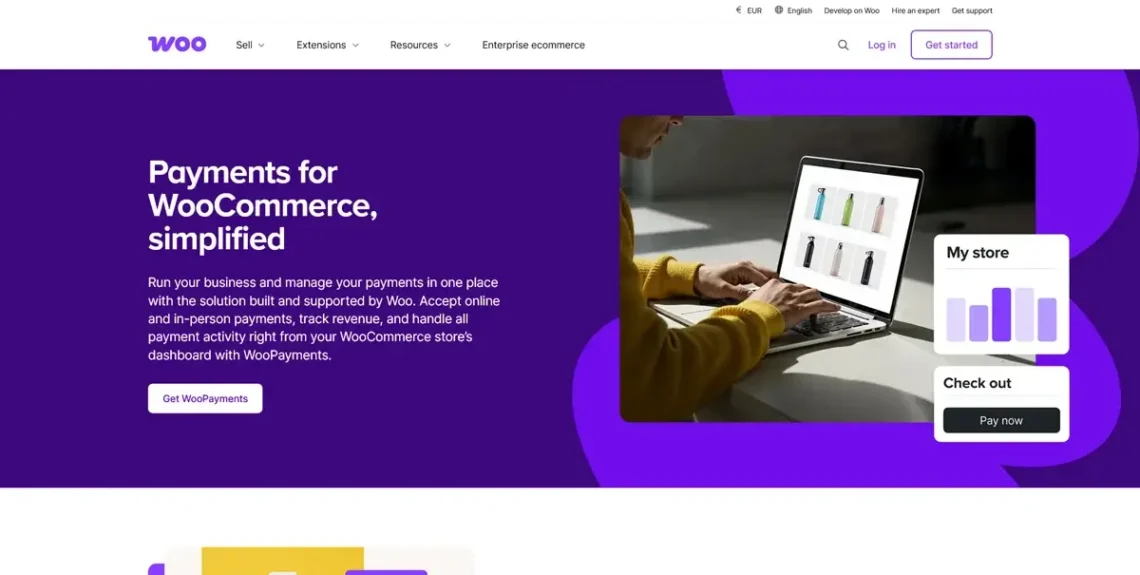
Best for: Seamless payment processing and dashboard management
How it works: WooPayments centralizes your entire financial operation within the WooCommerce dashboard, allowing you to track deposits, manage refunds, and handle chargebacks. It supports popular financial apps like Apple Pay and Google Pay and can handle over 135 currencies, utilizing a “pay-as-you-go” structure that eliminates fixed monthly fees.
Pricing: Free to install, but transaction fees apply.
WooCommerce Shipping
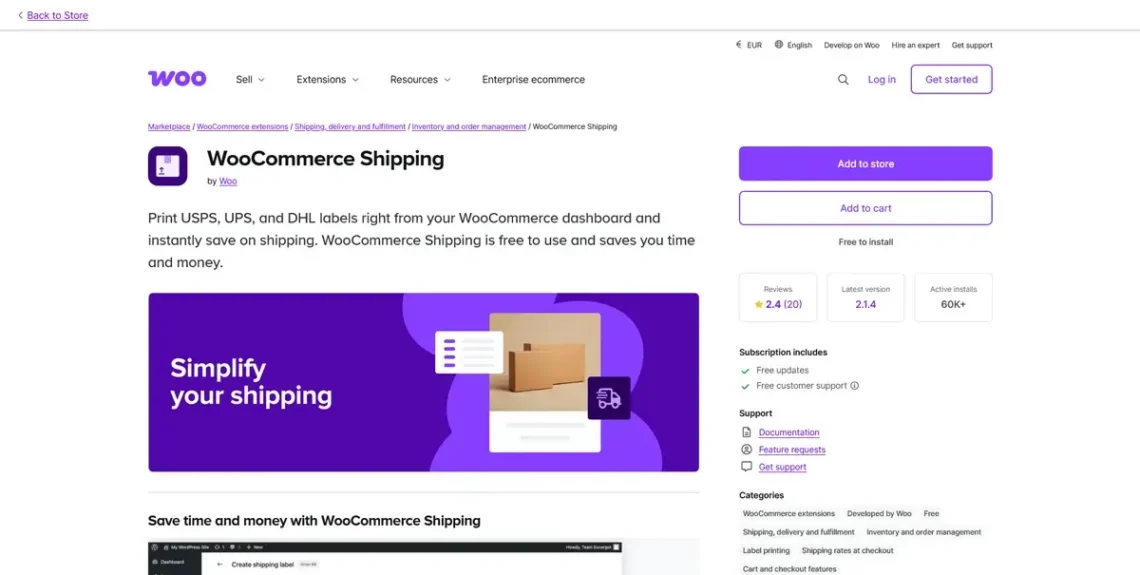
Best for: Streamlining order fulfillment and saving on postage
How it works: This extension allows you to print USPS, UPS, and DHL shipping labels directly from your dashboard. It automatically calculates real-time rates for customers and sends tracking information to them as soon as a label is printed, saving up to 80% on standard shipping costs.
Pricing: Free.
Google for WooCommerce
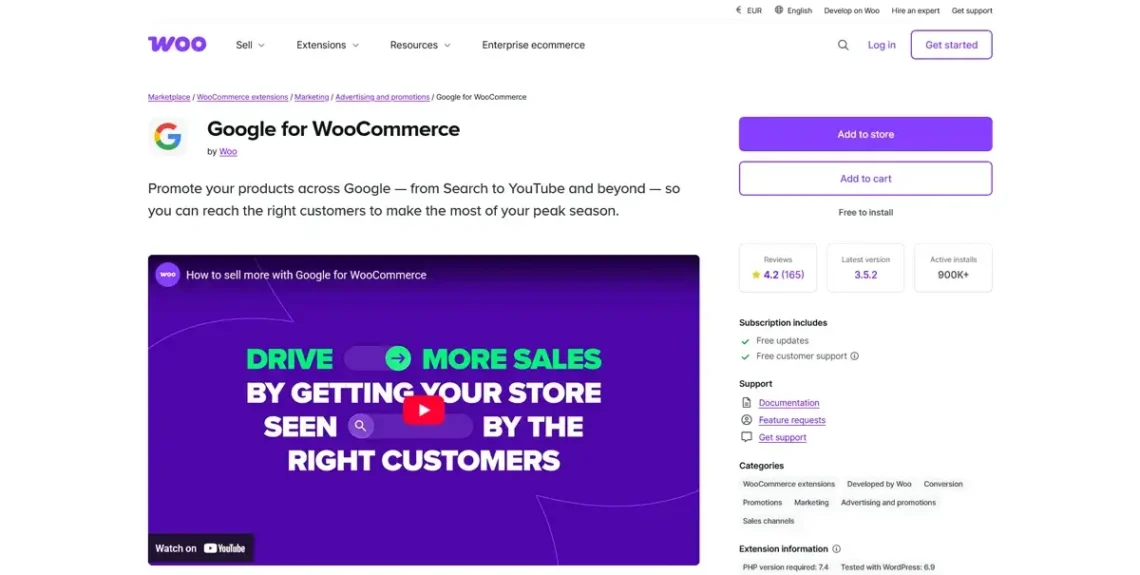
Best for: Automated product discovery and Google Ads.
How it works: Google for WooCommerce automatically synchronizes your store with Google’s Merchant Center. It formats your product feed for the “Shopping” tab and allows you to launch and monitor Google Performance Max campaigns directly from WordPress to target high-intent shoppers across YouTube, Search, and Gmail.
Pricing: Free.
Facebook for WooCommerce
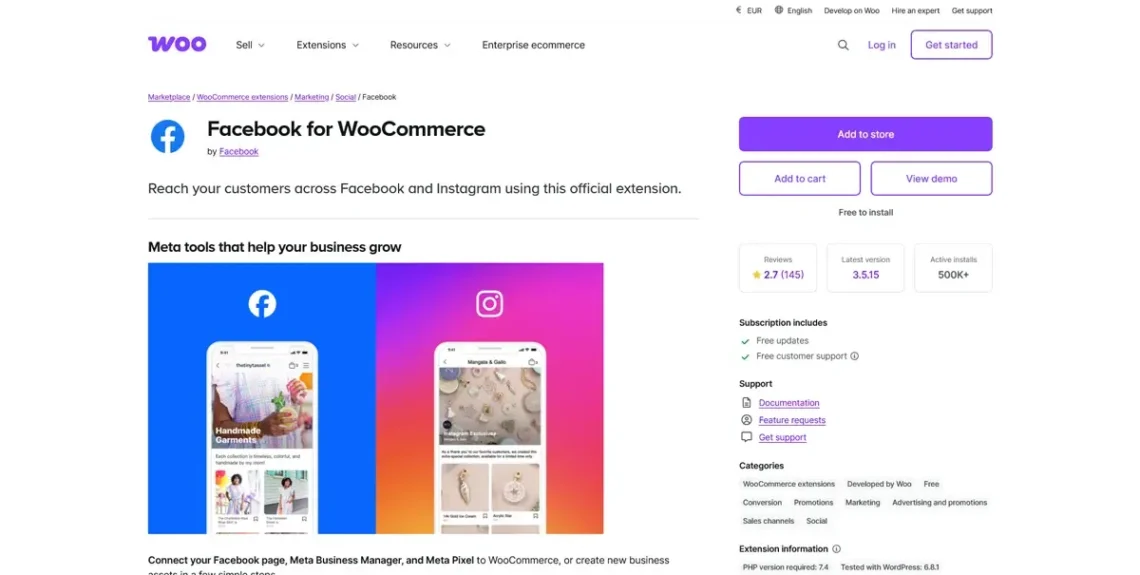
Best for: Social commerce and dynamic targeting.
How it works: It syncs your product catalog to Facebook and Instagram, enabling “Shoppable” posts and a dedicated Shop tab on your profile. It uses the Conversions API rather than cookies to accurately track customer behavior, allowing you to run dynamic ads that show users products they recently viewed.
Pricing: Free.
UpdraftPlus Backup
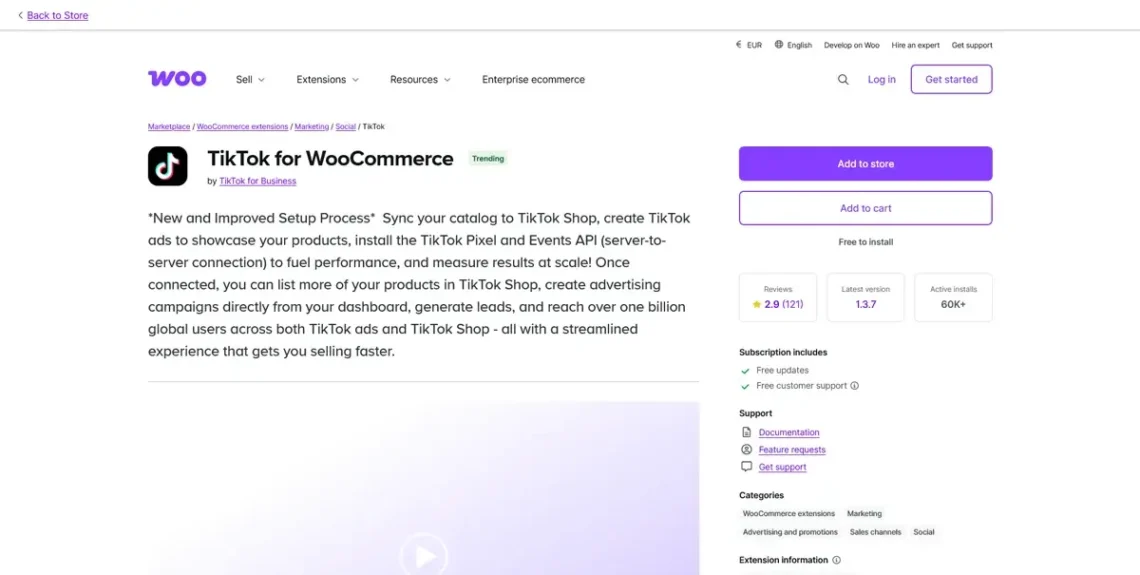
Best for: Tapping into viral trends and the Gen-Z market.
How it works: This extension integrates your store with TikTok Shop, allowing for seamless in-app purchases. UpdraftPlus Backup features automatic product enrichment, meaning it translates your WooCommerce data into TikTok-friendly formats for LIVE shopping events and short-form video ads.
PricingL Free.
Google Analytics for WooCommerce
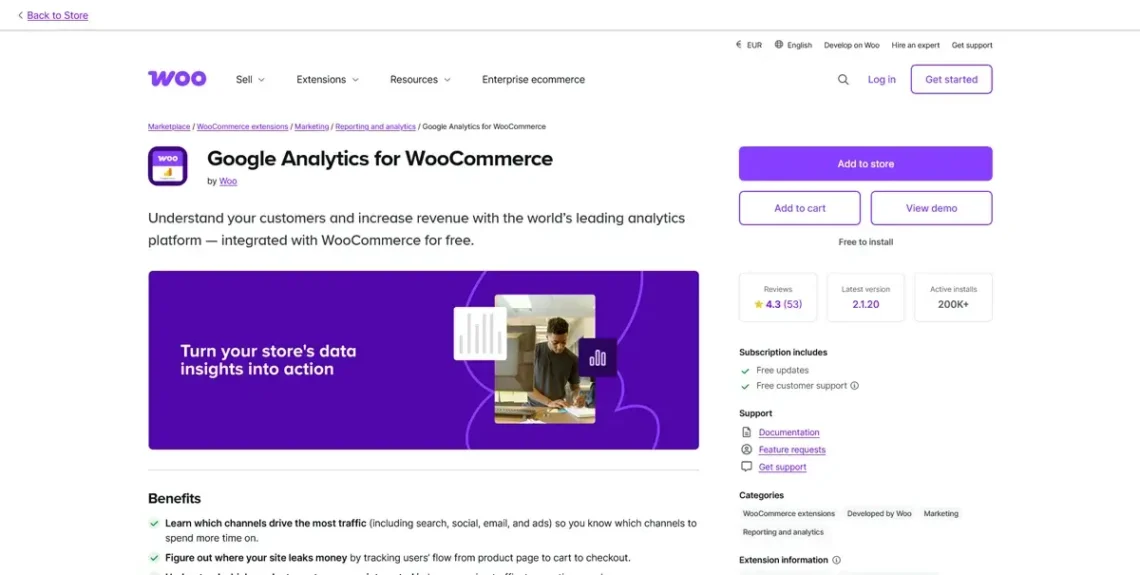
Best for: Deep data insights and conversion tracking.
How it works: Unlike basic analytics, this extension tracks ecommerce-specific events like “Add to Cart,” “Coupon Usage,” and “Checkout Progress.” It provides a clear view of which marketing channels deliver the highest ROI and identifies where users drop out of your funnel.
Pricing: Free.
CartFlows
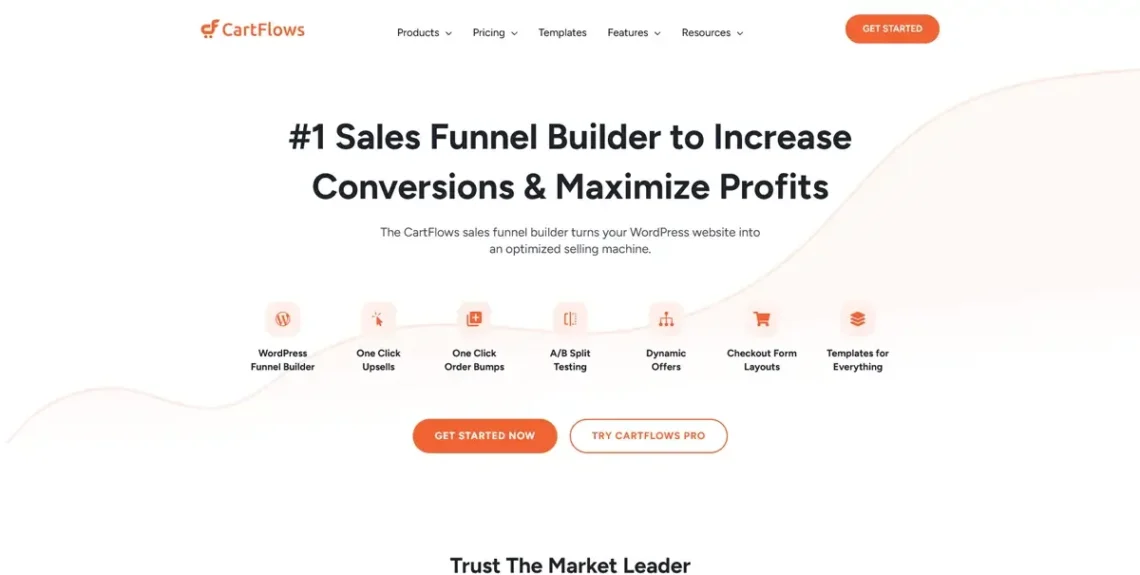
Best for: One-click upsells and sales funnels.
How it works: The standard WooCommerce checkout procedure can be clunky. CartFlows streamlines the interface and improves the overall customer experience. In addition, it can set up funnels and offer upsells and order bumps, increasing the average order value.
Pricing: A free edition is available, and the Pro version starts at $99/year.
Advanced Coupons
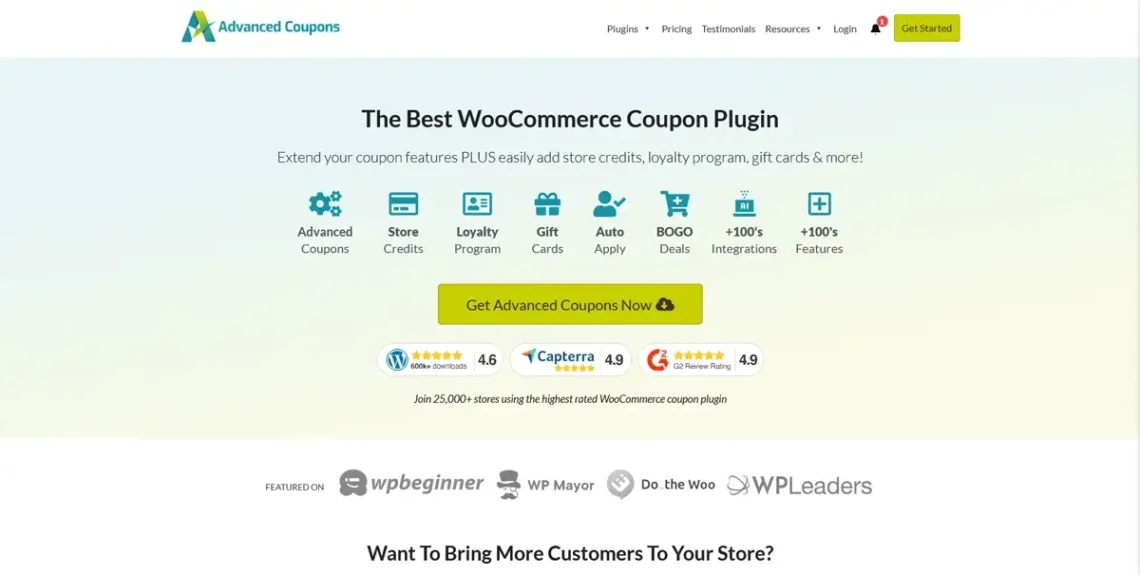
Best for: Advanced marketing and incentive-based deals.
How it works: The Advanced Coupons plugin allows you to move beyond simple percentage discounts. You can offer BOGO (Buy One, Get One) deals, run loyalty programs, set up store credits, etc. The plugin lets you target coupons to specific user roles and shipping zones, helping protect your profit margins.
Pricing: A free version is available. The Premium edition starts from $59.50/year.
Jetpack Search
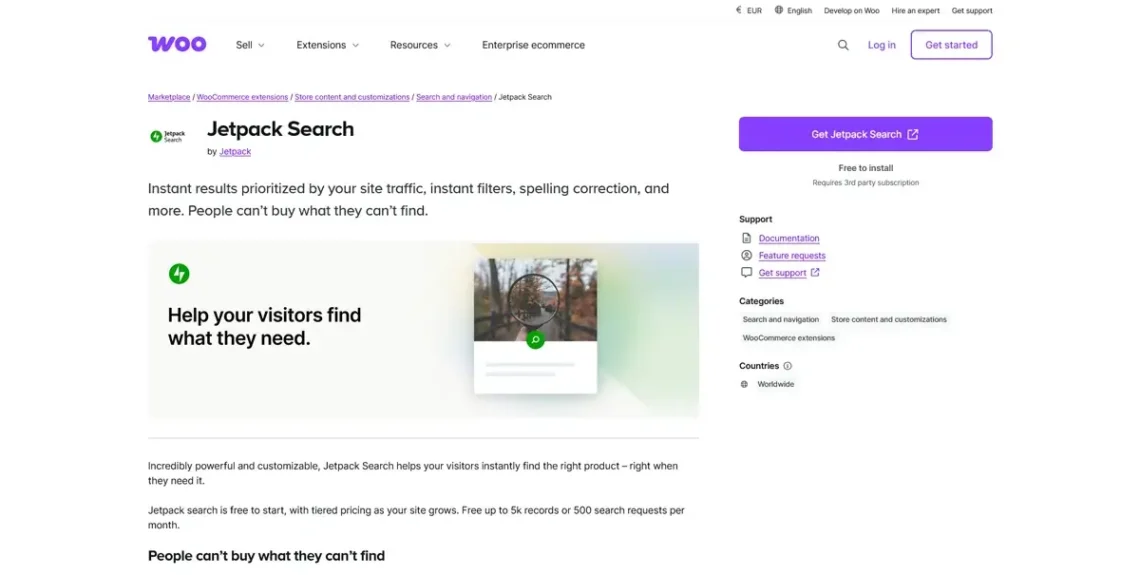
Best for: High-speed, professional search functionality.
How it works: It replaces the standard WordPress search with a cloud-indexed engine that delivers instant results as users type. It provides powerful “faceted” filtering, allowing customers to narrow down thousands of products by price, attributes, or ratings in milliseconds without page reloads.
Pricing: Free to install, with a fee based on the number of searches.
WooCommerce Subscriptions
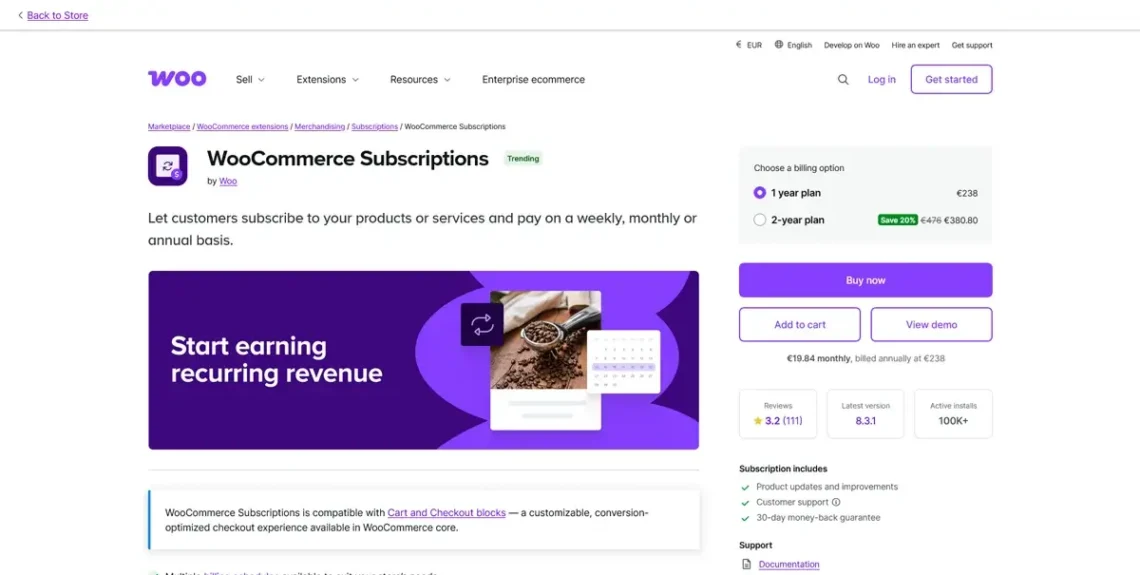
Best for: Building recurring revenue through memberships and product boxes.
How it works: WooCommerce Subscriptions automates the entire billing lifecycle, allowing you to charge customers on a daily, weekly, monthly, or annual schedule. It utilizes payment tokenization to securely store credit card details, enabling automatic renewals without requiring the customer to return to the checkout page.
Pricing: $279/year.
AutomateWoo
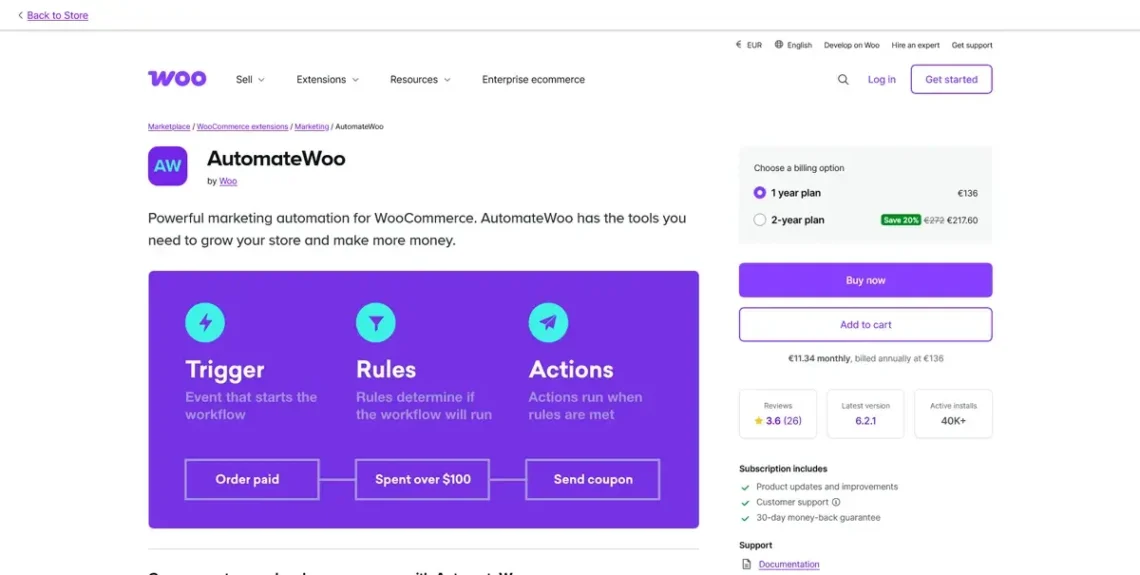
Best for: Lifecycle marketing and automated workflows.
How it works: AutomateWoo uses a “Trigger, Rule, Action” system to automate complex tasks. You can set up workflows to send “Win-back” emails to inactive customers, request reviews 14 days after a delivery, or automatically generate unique discount codes for customers on their birthdays.
Pricing: $136/year.
WCC HubSpot for WooCommerce
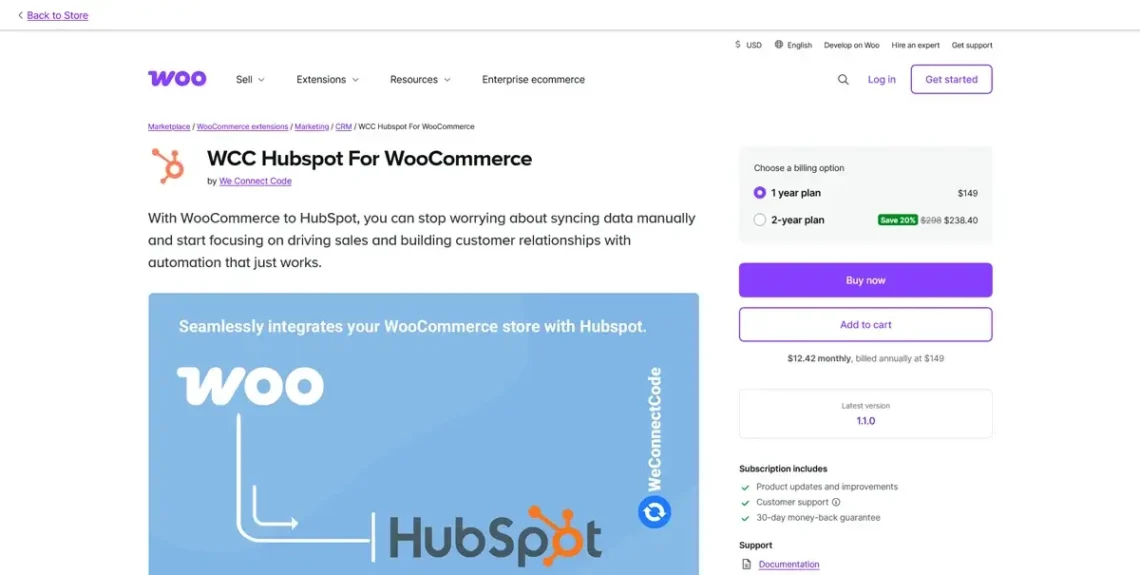
Best for: Customer relationship management (CRM) and lead nurturing.
How it works: WCC’s HubSpot for WooCommerce extension provides a real-time, two-way sync between your store and HubSpot. Every order and customer interaction is logged as a “Deal” or “Contact” record, allowing your team to see a customer’s entire purchase history when providing support or planning a personalized marketing campaign.
Pricing: $149/year.
Constant Contact
Best for: Drag-and-drop email marketing and abandoned cart recovery.
How it works: The extension syncs your customer list and product catalog with the Constant Contact platform. You can drag product blocks directly into your email templates and set up automated “Abandoned Cart” sequences that trigger when a visitor leaves the checkout page without completing a purchase.
Pricing: Free to install, but it requires a Constant Contact account, which starts at $12/month.
ScalaHosting and WooCommerce
ScalaHosting entered the hosting industry almost two decades ago, and we’ve invested all our experience and know-how into creating the best possible hosting environment for WordPress sites and WooCommerce stores.
The average setup just won’t do it for a serious WooCommerce business, which is why all our WooCommerce hosting solutions come with SPanel – an all-in-one platform designed to simplify the process of building and managing websites.
Among the many tools you get with SPanel is the WordPress Manager. With it, you can set up WordPress and WooCommerce with a couple of clicks, manage multiple installations, change admin login details, create staging environments, and much more. All this, through an intuitive, easy-to-use interface.
Of course, this is far from the only feature you get with our WooCommerce hosting plans. Here are some of the other treats:
- A free domain – Every WooCommerce hosting plan features a free domain registration for the first year, which lifts a burden from your tight budget.
- A free SSL certificate – As soon as the domain is pointed to your new server, SPanel automatically installs and configures a free Let’s Encrypt SSL certificate on your new website, helping you make one of the first (and most significant) steps toward PCI compliance.
- SShield malware protection – All of our WooCommerce hosting solutions are protected by SShield, a proprietary AI-driven security system that automatically detects and stops almost all known attacks.
- Daily offsite backups – SPanel creates a secure copy of your WooCommerce store every 24 hours and stores it in an offsite location for extra security.
- Performance-enhancing features – Cloudflare’s CDN service is integrated into SPanel, meaning you can start using it with a few simple clicks. Switching from Apache to OpenLiteSpeed also takes minutes, meaning you can reap enormous performance benefits with minimum effort.
- Expert WooCommerce support – Our technical support specialists have decades of experience working with WooCommerce. Couple this with our industry-leading response times, and you’re guaranteed a quick and efficient resolution to every problem.
All this while your WooCommerce store is deployed on a robust cloud infrastructure built and maintained by system administrators with decades of experience. Contact our sales specialists to learn more.
Conclusion
It’s 2026, and the ecommerce business is fiercely competitive. Customer expectations for speed, reliability, and personalization are at an all-time high, making it more challenging than ever to stay competitive.
WooCommerce may be a great platform for building your new online store, but it’s the plugins that will help you create a unique brand with the potential to outpace the competition. The excellent news is that the WooCommerce ecosystem has been expanding for the last decade and a half, and there are no signs of this growth slowing down.
This means that it will be able to meet your demands, even as your business scales up.
FAQ
Q: Will adding too many plugins slow down my checkout process?
A: It’s a common myth that the number of plugins is the problem. In reality, it’s the quality of the code that matters. One poorly coded plugin can do more damage than twenty high-quality ones. To keep your checkout snappy, prioritize well-maintained plugins and always use performance tools to identify potential bottlenecks and slash loading times.
Q: Are premium WooCommerce plugins worth the investment?
A: In ecommerce, you usually get what you pay for. While free plugins are great for starting out, premium versions often include dedicated support and advanced conversion features (like one-click upsells) that can pay for themselves within a few orders. View these costs as business investments rather than expenses.
Q: Can these plugins conflict and break my store during an update?
A: Yes, conflicts can happen, especially when multiple plugins try to modify the same part of the checkout. The best way to prevent this is to never update your live store directly. Use a staging environment to test new plugins and updates before deploying them. This ensures your revenue stream stays active even if a conflict occurs behind the scenes.
Q: Why stick with WooCommerce instead of a “drag-and-drop” platform like Shopify?
A: In 2026, the main reason remains control and cost. WooCommerce allows you to own your data and customize every pixel of the journey without paying transaction fees to your platform provider. It’s the platform of choice for entrepreneurs who want to build a brand without the restrictions of proprietary software.