Managed Hosting Value: Beyond the Price Tag

Managed or self-managed – that’s the real question when you’re choosing a hosting plan. The most visible difference is the price tag, but it’s nowhere near the most important one.
With managed VPS hosting, you’re handing the technical side of running a server to a team that does it for a living, so you can stay focused on your business. It looks pricier on paper. Once you account for everything the package actually covers – and everything you’d otherwise be paying for separately – the math usually flips.


Your Website with Entry Cloud
Here’s how to read the value of a managed hosting plan, not just the sticker price.
Introduction to Managed Hosting Services
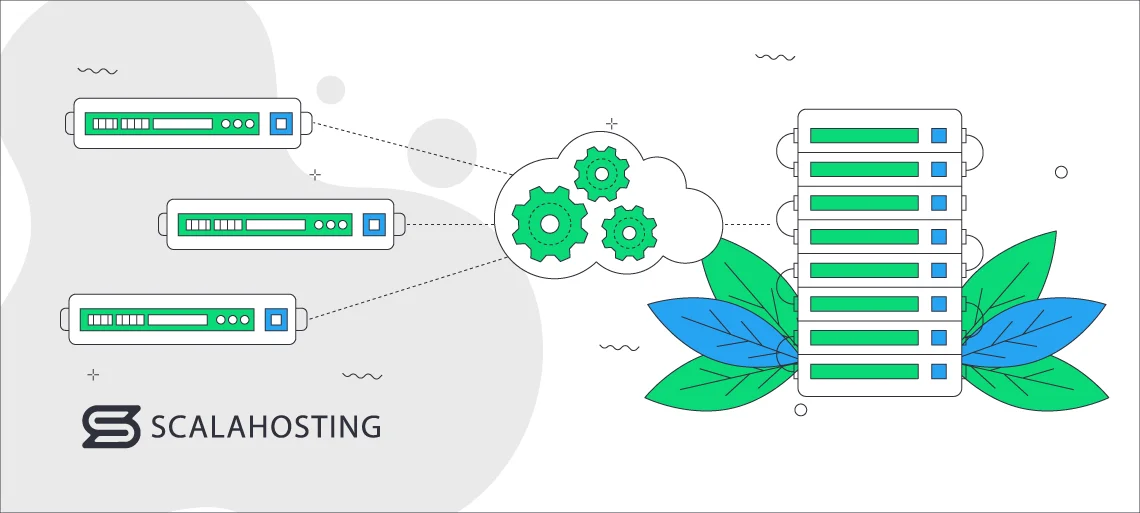
Managed hosting is a service where a team of experts handles the technical side of running your server. You delegate server management, maintenance, security, updates, and monitoring to your hosting provider’s support department.
The provider also configures and sets up the server to fit your specific requirements – installing the operating system, web server software, and any other applications you need. Backups and security are part of the package, not add-ons you have to remember to set up.
If you’re not particularly tech-savvy, this is the cleanest way to skip the technicalities and focus on your business goals.
Key Features of Managed Hosting
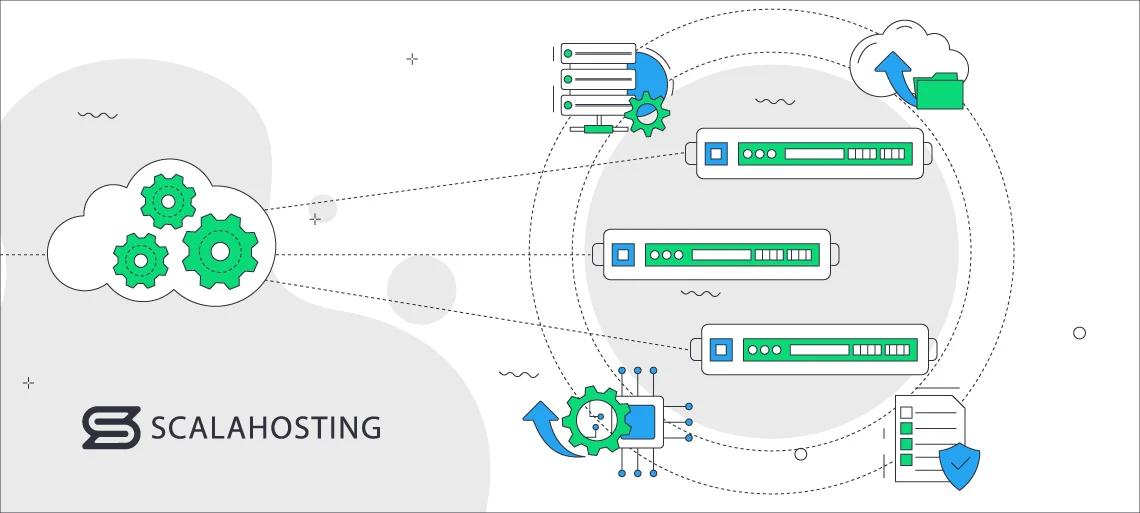
The defining feature of managed hosting is the help you get from the provider’s tech team.
They’ll take care of:
- Server management – maintaining and configuring the physical hardware infrastructure, including servers, storage, and networking equipment.
- Safety audits and monitoring – regular security audits and constant watch over the server for any emerging issues.
- Resource management – you’ll get a heads-up when your project is outgrowing its current limits, and it’s time to scale.
- Updates and backups – daily offsite backups and frequent software updates so you don’t lose data or fall behind on patches.
Managed hosting lets your business run on infrastructure that experts handle so you can stay focused on growing the project itself.
Understanding the Total Cost of Ownership (TCO)
Total Cost of Ownership (TCO) is the metric that actually matters when you’re evaluating hosting costs. It goes beyond the price tag to include the time and effort you’d otherwise spend managing the environment yourself.
The main factors that shape TCO:
- Initial setup
- Level of tech assistance
- System resources, such as CPU and RAM
- Migration costs
- Add-on services (domain name, software installation, CDN)
- Bandwidth and data transfer
- Security features (SSL certificates, firewalls, spam protection)
- Scalability options
- Ecommerce features (if needed)
Managed hosting improves TCO by removing the need to hire a system administrator or contract one out. The provider absorbs the routine tech work, which redirects your time and money toward things that actually grow the business. Over the length of a hosting contract, that adds up.rofessional help. Providers can take routine tech tasks, allowing businesses to redirect their efforts toward other endeavors. This shift can lead to significant long-term savings.
Saving Money With Product Upgrades
Here’s a problem most hosting customers run into eventually: you sign up at a great promotional rate – say, 60% off for 3 years – and six months in, your site has grown enough that you need more RAM, more storage, or a bigger plan. You go to upgrade, and the additional resources are quoted at full retail price. The promo only applied to what you bought on day one.
That’s an industry-wide pattern, and it’s a frustrating one.
The standard reasoning is that promotional pricing exists to acquire new customers, so existing customers shouldn’t get the same deal on upgrades. Fair enough in principle – full new-customer promos applied to upgrades would create pricing chaos and reward promo abuse. But the way most providers implement it punishes exactly the customers you’d want to reward: the ones using the service heavily enough that they need more of it.
We do this differently.
When you sign up for a ScalaHosting plan at a promotional rate, the same discount applies to any resources or plan upgrades you add during the promotional period – but only for the months remaining on your current term. Add 6 GB of extra RAM with 6 months left on your contract, and you get the promo rate for those 6 months. After that, the additional resources renew at the standard price along with the rest of your plan.
The math is fair to both sides, really.
IMPORTANT: When you upgrade during an active term, the upgrade is prorated for the remaining period of your subscription. Promotional and renewal rules can vary by campaign, so the exact upgrade price should always be confirmed in the cart or with our billing team before purchase.
This pricing model applies across all current promotions. Specific promotional rates and terms change over time, so check our hosting plans for what’s currently available, or ask the team during signup how the prorated upgrade discount would apply to your plan.
Proactive Monitoring and Maintenance
There’s at least one thing your hosting provider can do that you can’t reasonably do on your own: watch your server 24/7. That round-the-clock visibility lets the support team respond fast to attacks, hardware failures, or any other problem that might surface.
The result is less downtime, fewer revenue hits, and a much smaller window for data loss.
ScalaHosting offers proactive monitoring as an extra service. When active, our system makes 1-minute checks on all your vital operations and sends the data to our Level 3 support. Whenever they see any risks or vulnerabilities, they are dealt with promptly. For more information about the proactive monitoring – check with our Support Team.
The same team handles maintenance – keeping your site running at peak performance, applying software updates on the right schedule, and flagging you well before you hit a resource limit.
With managed hosting, you don’t have to hire someone to do this work or carve out time to do it yourself. It’s part of what you’re already paying for.
Enhanced Security Measures
Constant monitoring means problems get caught early. Hacker attempts, DDoS attacks, spam activity, suspicious traffic patterns – you’ll be notified as soon as something’s wrong, and your provider runs regular security audits to keep the baseline tight.
Managed hosting services typically include firewall setup and management to control incoming and outgoing traffic. A properly configured firewall is the first line of defense – it sits between your server and the open internet, blocking unauthorized access before it reaches your applications.
Reputable providers also handle SSL certificate implementation and renewal, so all traffic between your server and your visitors is encrypted by default.
On top of that, our managed plans include SShield – an AI-powered security system that blocks 99.998% of attacks before they reach the server. It runs automatically in the background, no configuration required.
If you need additional measures beyond the defaults, the support team is there to plan and implement them with you.
Automatic Backups and Disaster Recovery
Whatever hosting model you choose, backups and disaster recovery strategies aren’t optional. You can schedule automatic backups yourself from your hosting control panel – just make sure they run during off-peak hours so they don’t interfere with normal traffic.
A reputable managed hosting provider runs daily offsite backups by default. Copies of your data live on a separate server in a different data center, so a single hardware failure or facility-level incident doesn’t wipe everything out. You can access them whenever you need to.
The whole process runs without you having to think about it. The hosting team handles it.
Disaster recovery planning defines two key numbers: Recovery Time Objective (RTO) – how quickly systems need to come back online – and Recovery Point Objective (RPO) – how much data loss is acceptable if something goes wrong. On a managed hosting plan, the support team helps you set both, and is the team executing the recovery if the plan ever gets used.
IMPORTANT: Backups are a safety net, not a substitute for keeping your own critical copy, especially before major site changes.
Scalability and Performance Optimization
Managed hosting is built to grow with you while keeping performance steady.
You’ll generally have two scaling paths: vertical scaling (adding more CPU, RAM, or storage to your existing server) and horizontal scaling (distributing the workload across multiple servers). Vertical is simpler. Horizontal handles sudden traffic spikes and gives you a more resilient setup overall.
Many managed hosting providers also offer or integrate with CDNs (Content Delivery Networks). A CDN caches static content on servers around the world, cutting latency and speeding up delivery for visitors far from your origin server.
Load balancing adds another layer of redundancy. If one server fails, traffic gets redirected to a healthy one automatically – your visitors don’t see the disruption.
Customization and Tailored Solutions
A managed hosting plan should fit the project, not the other way around. Whatever you’re building, you can shape the plan to match your specific requirements and resource profile.
A common example is the operating system. Depending on your application needs, some providers let you choose between Linux- and Windows-based hosting. You can also request specific applications and security protocols to be pre-installed during setup.
Hardware specifications are usually customizable too – server configurations, disk types, RAM allocation – so you can match the environment to your performance and security needs.
Backups are tunable as well: frequency, retention period, and the type of data being backed up.
Many managed hosting providers also support Role-Based Access Control (RBAC), which lets you set permissions based on roles within your organization. That way, each team member has the level of access they actually need – and no more.
Managed Hosting for Ecommerce
Ecommerce is one of the niches that benefits most from managed hosting – including startups. The daily technical work is the part that most online store owners least want to do, and it’s the part where mistakes cost the most.
The support team can advise on building a high-performance, functional store and help with payment integrations, security applications, and standards like PCI DSS for protecting payment card data.
Ecommerce platforms – Magento, WooCommerce, PrestaShop, and others – each have their own server-side quirks. A managed environment can be optimized specifically for the platform you’re running, with help available when something gets weird.
Signing up for a managed plan also gives you a setup that fits your current needs and your growth trajectory. With a team watching your resource usage, you’ll get a heads-up well before you outgrow your current plan.
The 24/7 monitoring catches problems early, which matters more for ecommerce than almost any other use case. Downtime is the single biggest enemy of an online store – every minute the cart isn’t loading is revenue gone.
If something goes wrong, hosting providers maintain disaster recovery plans designed to bring services and data back fast. The combination of security, performance, and scalability keeps your store running, your customers paying, and your team focused on what they should be doing.
Managed Hosting vs Self-Hosting

Now to the question on most people’s minds: managed vs. self-managed hosting – which is actually better?
Start with the basics. On a managed plan, the provider runs the infrastructure: server hardware, networking, data center facilities, the works. You don’t have to think about hardware maintenance, upgrades, or scalability. The trade-off is less direct control over the underlying environment.
Self-managed plans flip that. You get full control over the infrastructure, but you also need in-house expertise to handle server management, hardware questions, security, and software installations. Your team carries the infrastructure cost and complexity.
On a managed plan, you have access to professional technical support around the clock – fast response times, real issue resolution, and people who manage these servers every day. Self-hosting puts the entire support burden on your own team, which can eat up serious bandwidth.
Scaling works differently, too. Managed plans let you allocate more resources quickly, with the provider handling the actual scaling work. You’re working within the provider’s plan structure, though, and costs go up when you add resources. With self-hosting, you have complete control over how and when you scale, but it requires proactive planning, expertise, and sometimes downtime. Hardware and resource costs still rise either way.
Monitoring follows the same pattern. Managed providers watch your server around the clock and resolve issues for you. Self-hosting means you’re the one watching – and the one responding when something breaks at 3 a.m.
The honest summary: managed hosting strikes a balance between control and convenience. You can still customize your plan, but you have a team behind you. Self-hosting gives you full freedom and full responsibility. If you have the technical chops and want the control, it’s a real option. If you’d rather spend that time on your actual business, managed is the better fit.
Managed Hosting with ScalaHosting

ScalaHosting has spent more than 15 years building managed hosting plans for businesses that need the infrastructure to grow with them. We integrate Cloudflare CDN directly through SPanel, and customers can also use external CDN providers manually if their setup requires it.
Every plan includes SPanel, our in-house control panel built specifically for managed VPS environments. It handles the day-to-day site management work – domains, email, files, databases, WordPress installs – without the per-account licensing costs you’d pay on most cPanel-based plans.
SPanel ships integrated with SShield for AI-powered security monitoring. The server itself is watched 24/7 by our engineering team, who also handle daily offsite backups. Copies of your data are automatically stored on a backup server in a different data center, and you can retrieve them whenever you need to. Every domain you host also gets a free Let’s Encrypt SSL certificate.
Once you sign up, our team handles the initial setup so you can start working immediately. Support is available 24/7 via chat and email – real engineers, no scripted tier-one runaround.

Still weighing managed versus unmanaged? Take a look at our self-managed cloud hosting plans and compare them side by side.
Wrap Up
The “managed hosting is too expensive” argument almost always evaporates once you do the full math. Add up the time you’d spend managing the server yourself, the cost of hiring someone to do it, the price of bolt-on security and backup tools, and the opportunity cost of attention not spent on your business – and a managed plan usually comes out cheaper, not pricier. If your goal is to grow, this is the kind of infrastructure decision that pays for itself.
FAQ
Q: What is a managed hosting service?
A: A managed hosting service is a hosting plan that includes technical support from the provider’s team. The provider supplies the server infrastructure and also manages and maintains it. You keep full control over what runs on the server and how it’s configured, but you can hand off the underlying technical work to the experts.
Q: Is managed hosting worth it?
A: Managed hosting is worth it for most businesses because it removes the burden of dealing with technical issues yourself. You get a preinstalled operating system, support for adding new software, scheduled backups, security monitoring, and a team to call when something goes wrong. That frees you to focus on your business and significantly reduces the risk of costly rookie mistakes.
Q: Who needs hosting services?
A: Anyone who wants their website accessible to a real audience needs reliable web hosting. Working with a reputable provider means your site has the resources it needs, the security to stay safe, and the room to grow as your audience does.