
When you’re creating an account in SPanel, you need to associate it with a main domain name. In most cases, this is the primary project on the account, and its document root is the public_html folder. It’ll help you differentiate between the different accounts, and you’re more likely to know what each of them holds.
Every now and again, however, you might need to repurpose an account and use the data in it for another project. In such a scenario, you’ll likely want to change the main domain name, and SPanel gives you the chance to do just that.
Changing an account’s main domain
Changing an SPanel user account’s main domain requires no more than a few minutes and a few mouse clicks. Here are the steps:
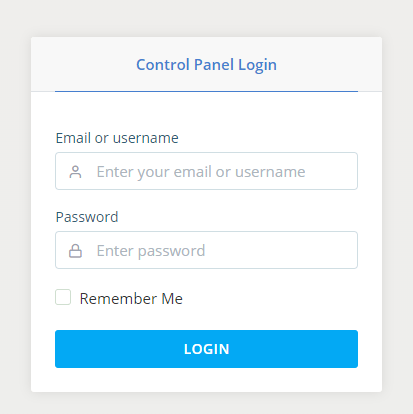
- Log into SPanel’s Admin Interface.
The default login URL for SPanel’s Admin Interface is https://[your server’s IP address]/spanel.
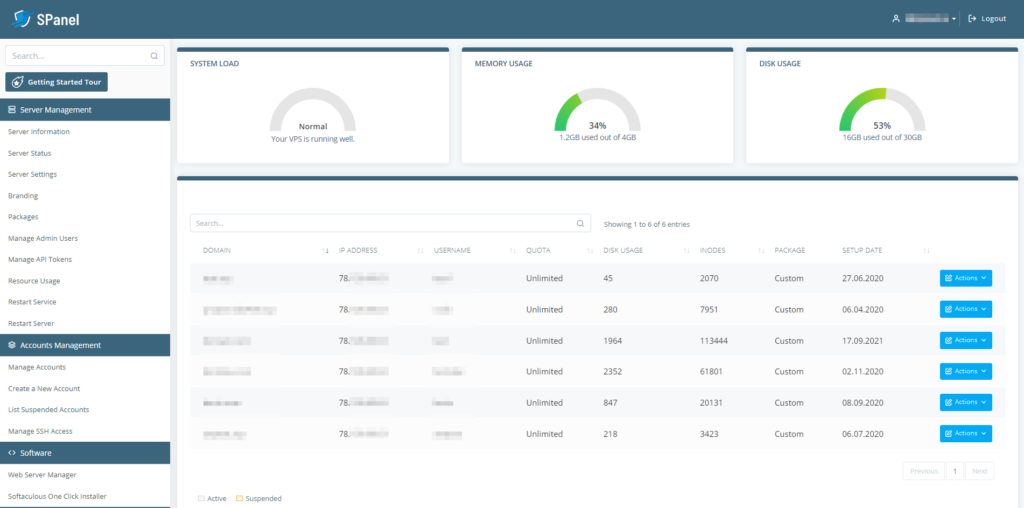
- Locate the account you want to modify and open the Actions drop-down menu.
A list of all SPanel user accounts is available on the Admin Interface homepage. If there are too many accounts, you can use the Search functionality to find the one you need quickly.
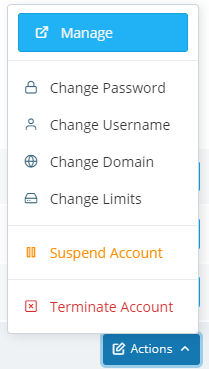
- Select Change Domain.
After you chang the main domain, you can use the Actions menu to modify the account’s username and password as well.
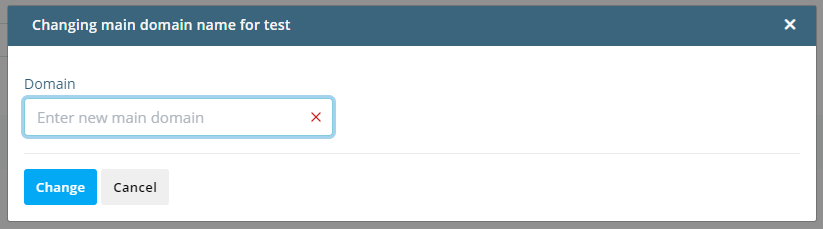
- Enter the new main domain and click Change.
Adding the new domain name is a matter of entering it into the field and clicking Change.
Bear in mind that changing the main domain in SPanel won’t automatically point it to our servers. If it is to resolve properly, you need to make sure that the correct DNS settings have been applied. This is done at the domain’s registrar.
How to Modify the Main Domain of an Account
How To Point a Domain Name To a Web Hosting Provider

