
Redirecting a domain name means pointing one URL to another. The process entails forwarding users who try to load one URL to another of your choice. You can do this in several ways.
Redirect Domains Using .htaccess
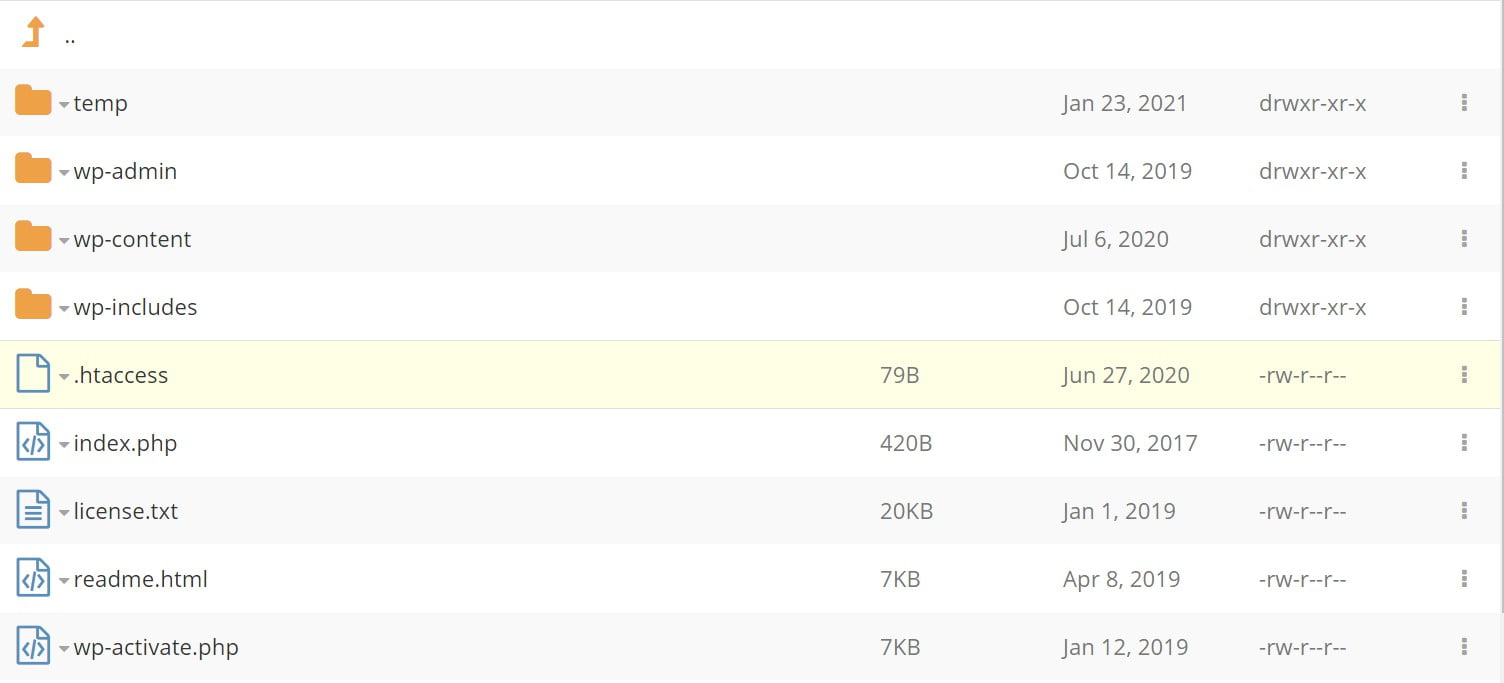
Log in to your web hosting control panel and open the File Manager. Select your .htaccess file and open it for editing. For domain name redirection, the most typical method is to use a 301 Permanent Redirect.
Add the following code to your .htaccess file:
Redirect 301 / http://domainB.com/
If you do not have an existing .htaccess file, create a blank file using the File Editor and enter the code above. Save it with the filename .htaccess in the document root of your website (usually, the public_html folder). You can also create the file on your local computer with a plain text editor like Notepad and upload it to the server via FTP or the File Manager.
Setting Up a Redirect via SPanel
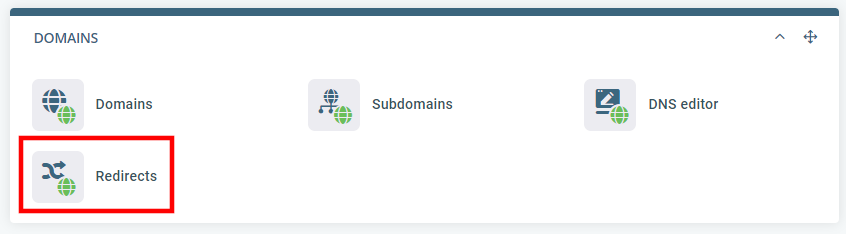
It’s also possible to create a redirect via SPanel – ScalaHosting’s proprietary VPS management platform. To do it, log into SPanel’s User Interface and click the Redirects button under the Domains section.
Choose the type of redirect and enter the source and destination URLs.
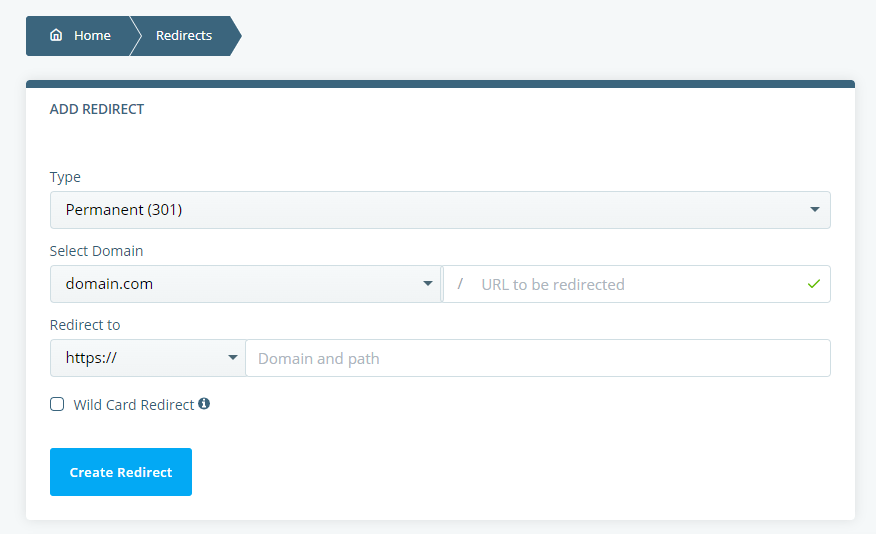
All active redirects will be added to the list at the bottom of the page. You can manage them from there.
How To Point a Domain Name To a Web Hosting Provider

